Interior, exterior, and garden modes
Use one studio for rooms, house facades, patios, yards, and other home design contexts.
Upload a photo of your room, home exterior, or garden. Home Design AI turns it into realistic design concepts in seconds, so you can compare styles before you renovate, furnish, or landscape.

Design direction
Quiet contemporary · Living room
Home Design AI studio
Choose interiors, exteriors, or gardens, add a photo or description, and generate a visual direction you can compare and refine.
Your design brief
Upload your space photo
JPG, PNG, or WebP up to 50 MB. Clear, well-lit photos give the strongest results.
Large files are optimized before upload.
0/600
Credits are reserved before generation and failed options are refunded automatically.
Example preview
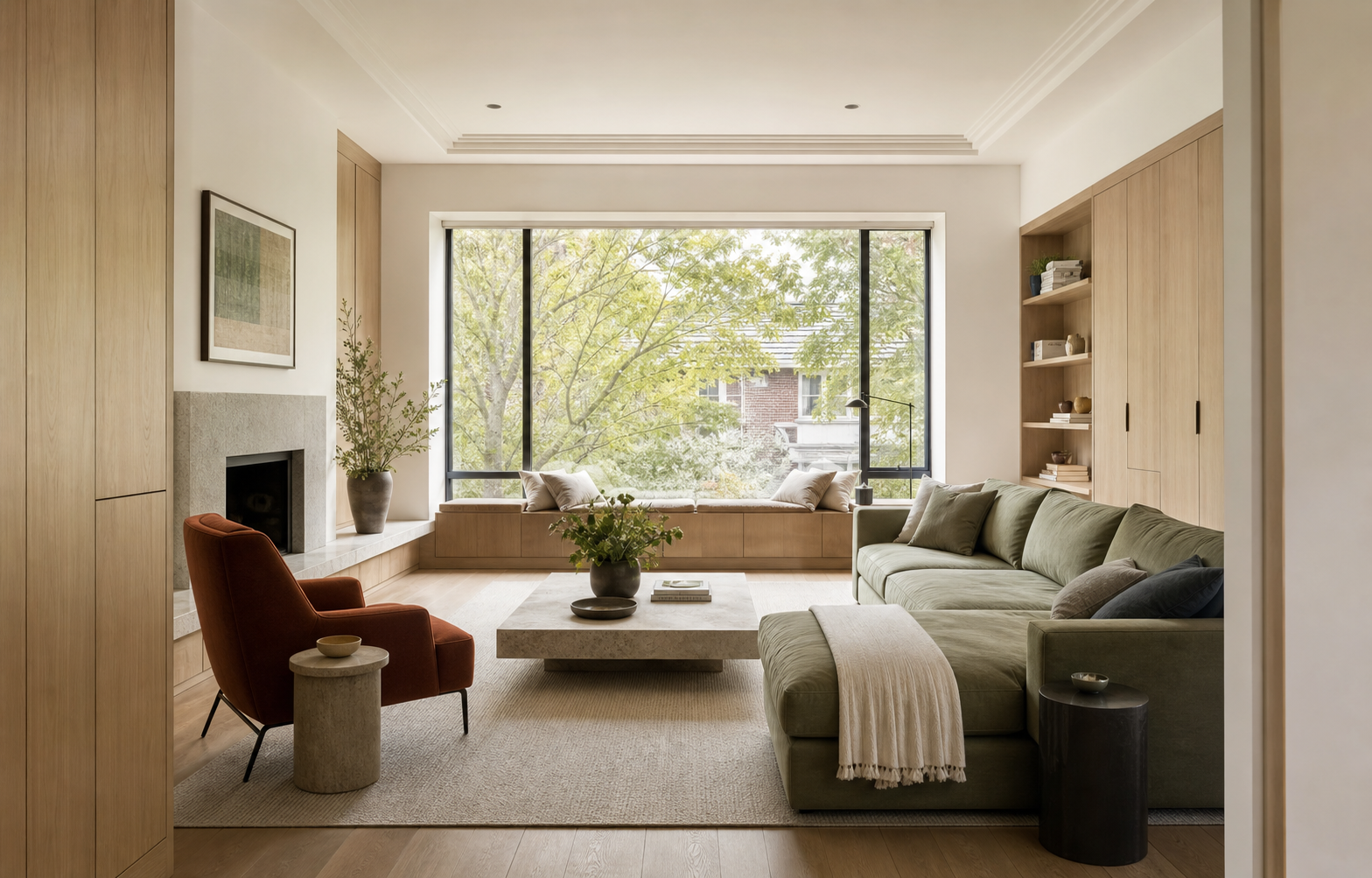 Demo input
Your results will appear here
Choose a space, style, and model. Your generated options will appear here.
Current brief
One studio
Whether you're redesigning a single room or planning a complete home makeover, our AI-powered tools help you explore it all in Home Design AI.
 BeforeAI Render
Explore connected directions for interiors, exteriors, and gardens in Home Design AI before you commit to a renovation plan.
Open Home Design AIStats
Compare styles, redesign spaces, and download high-resolution concepts before making real-world changes.
Designs Generated Daily
Active Users
Design Styles
Ideas worth borrowing
Explore a curated mix of real design directions, from quiet bedrooms to characterful restaurants. Choose one to guide your own room in the style transfer editor.
Home Design AI capabilities
Home Design AI helps you move from broad ideas to comparable visual directions without learning traditional rendering software.
Use one studio for rooms, house facades, patios, yards, and other home design contexts.
Compare contemporary, Japandi, traditional, Mediterranean, and other directions in the appropriate space.
Start from your own property photo so every discussion stays connected to a recognizable real space.
Choose guided space and style controls or describe a more specific home design direction in your own words.
Generate up to four alternatives to compare materials, mood, and priorities without restarting the brief.
Create high-resolution concepts for closer review, presentations, listings, and early project conversations.
Plan before you commit
Use Home Design AI to preview meaningful changes before you spend money on furniture, materials, landscaping, or renovation work.
01 / 03
Compare the same room or outdoor space in multiple styles with Home Design AI while keeping the original viewpoint and architecture easy to recognize.
Create my design
02 / 03
Turn an early renovation idea into a clear Home Design AI concept you can review with family, clients, or contractors before detailed planning begins.
Create my design
03 / 03
Upload your own photo to Home Design AI, then explore furniture, finishes, planting, lighting, and layouts with your real space as the visual reference.
Create my designFast, simple workflow
Go from one photo to a high-resolution home design concept in four simple steps, with no professional software or design experience required.
Add a clear photo of the room, home exterior, or garden you want to redesign.
Select the space type and style, then add any materials, colors, or details you want to keep.
Create up to four design options and compare each concept with your original photo.
Download your favorite in 2K or 4K, or create another variation with a more detailed brief.
Built for real home projects
Homeowners, interior designers, real estate teams, renters, DIY renovators, and property managers use Home Design AI to make home design decisions visible before they become expensive.

Use Home Design AI to preview layouts, finishes, and furniture directions before a contractor meeting or a costly purchase.

Home Design AI turns a vacant room into a furnished visual direction while keeping the real proportions and architecture clear.

Use Home Design AI to explore several visual routes early, then bring the strongest concept into the next client conversation.

Test furniture layouts, removable finishes, and color accents before buying anything or risking the security deposit.

Compare paint, furniture, and material directions in the real room before committing a weekend and a cart full of supplies.

Create repeatable design directions across short-term and long-term rentals without staging every unit by hand.
Testimonials
Detailed scenarios based on common room, property, and garden workflows show how the product can support earlier design decisions.
Explore more design tools
Move between whole-home, room, exterior, garden, and kitchen design tools while keeping one consistent workflow.

Generate fast room makeovers from a photo or written idea.
Open tool
Explore furniture, finishes, color, lighting, and room atmosphere.
Open tool
Compare facade materials, entrances, colors, and curb appeal.
Open tool
Visualize planting, paths, patios, seating, and outdoor character.
Open tool
Redesign cabinets, counters, backsplash, lighting, and kitchen finishes.
Open toolQuestions before you begin
Learn how Home Design AI works, which spaces it supports, how credits are charged, and what happens to your uploaded photos.
Home Design AI is an online AI home design tool that turns a photo or written idea into visual concepts for rooms, home exteriors, and gardens. Choose a style, generate options, and compare them before making real-world changes.
No. The structured options translate common space and style choices into a design brief, while the custom mode gives experienced users more control.
The first release supports interiors, building exteriors, and gardens, including common rooms, patios, yards, balconies, and house fronts.
The generation prompt asks the model to keep the viewpoint, walls, doors, windows, and major openings, but image models can still alter details. Treat results as concepts, not measured plans.
Basic costs 8 credits at 2K and 12 at 4K per successful image; Pro costs 10 at 2K and 16 at 4K. The studio shows the total before generation, and credits reserved for failed images are refunded automatically.
Yes. Paid Home Design AI generations include commercial usage rights, provided you own or have permission to use the uploaded image. Review the Terms before using results in client, listing, or marketing work.
Uploaded and generated images are stored in private object storage for up to 30 days and sent to the configured AI provider only for processing. You can delete a completed design and its stored images from History at any time.
Upload one photo and turn your next room, exterior, or garden idea into a design you can see, compare, and refine in seconds.